After having taken a look at the pencil storyboard, I noticed that it would be beneficial to add some in-between scenes and expand a bit on some other scenes.
Photoshop this way came in handy as I used the layers to keep track of the drawing underneath, and I created some in-betweens.
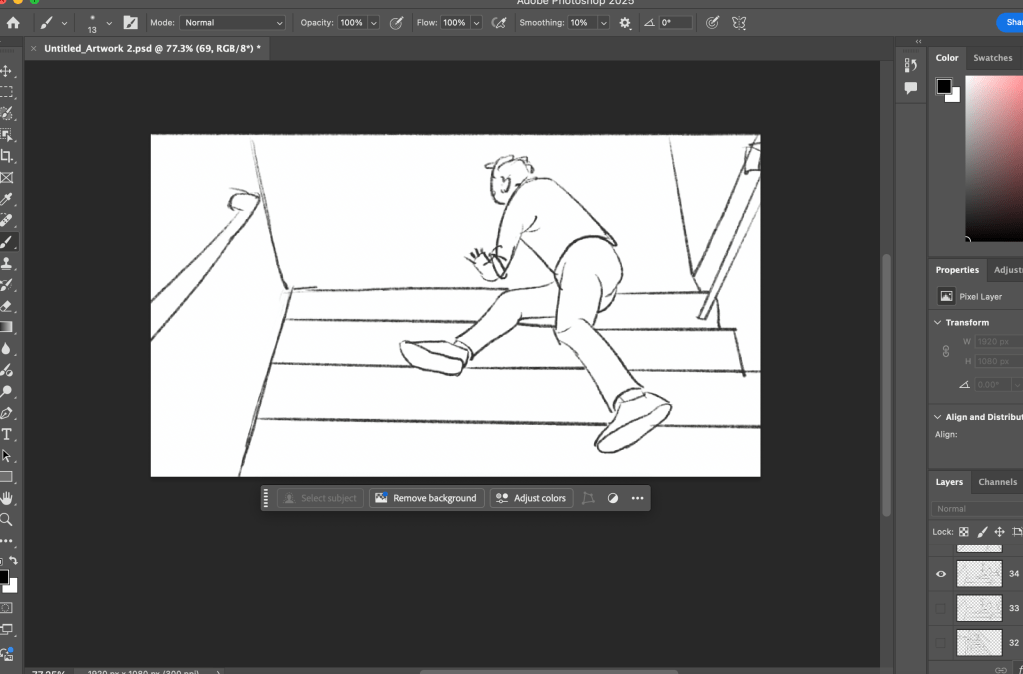
Here is a n example of a scene that I expand quite a bit , it’s right before the main character escapes out of the window and down the stairs:
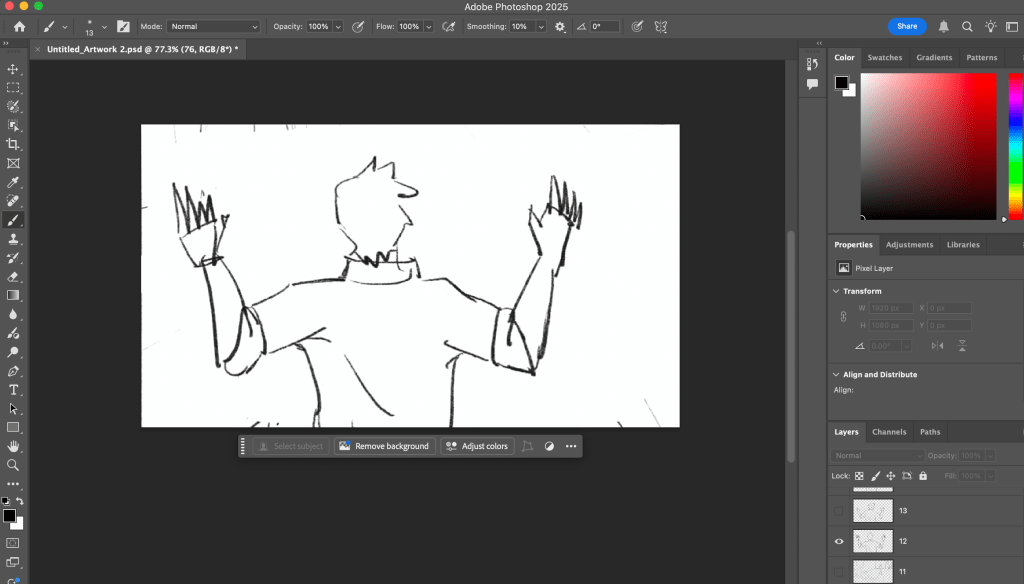
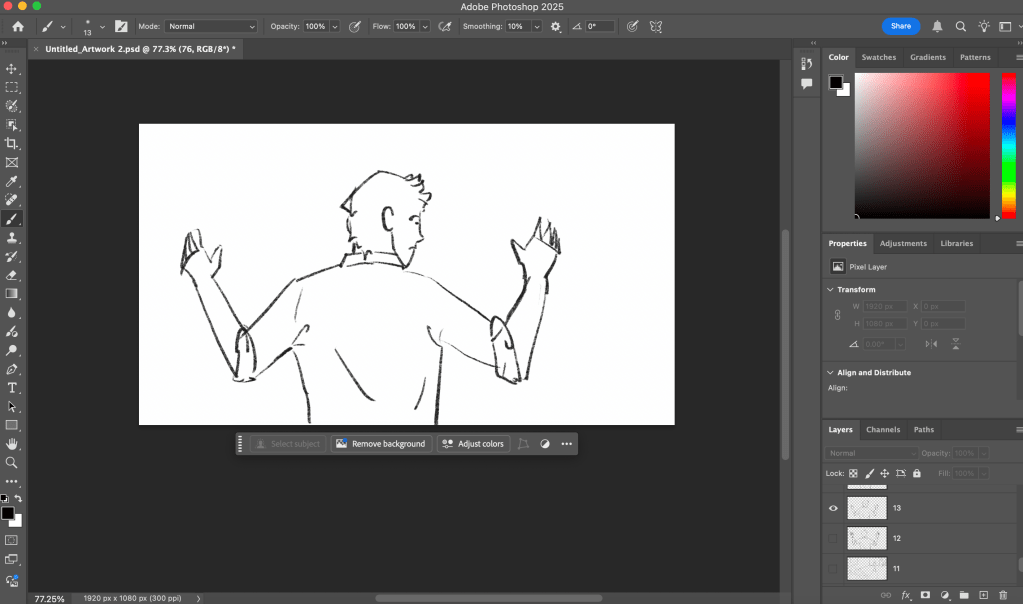
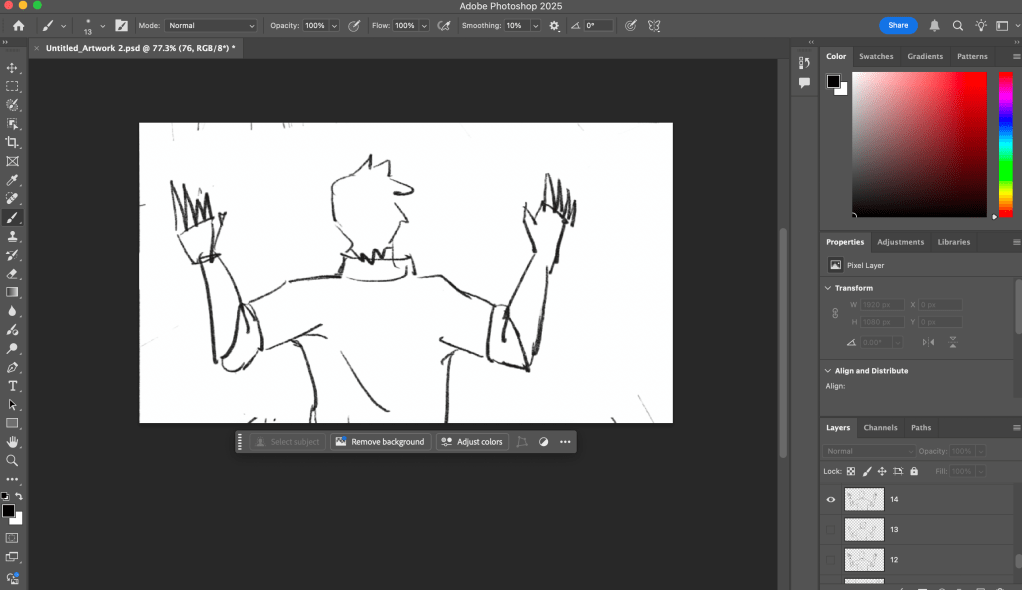
In order for this to make sense, I wanted to create a small primary movement of the head and a secondary one of the back, shoulders and neck. After importing my pencil drawing as a picture ,I drew on top of it with a pencil brush, next I lowered the opacity of the layers underneath to create other frames for the storyboard.
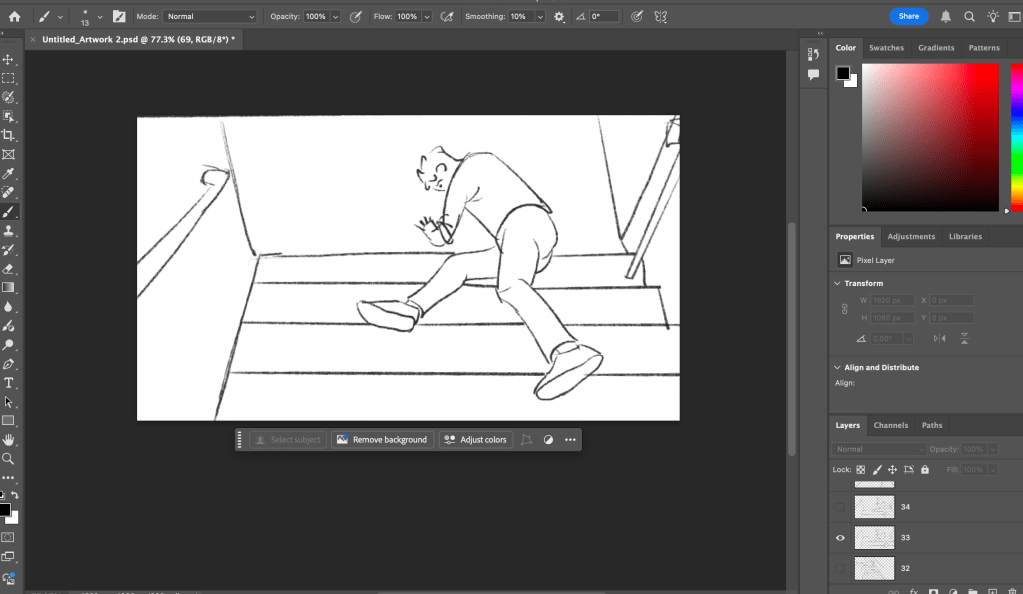
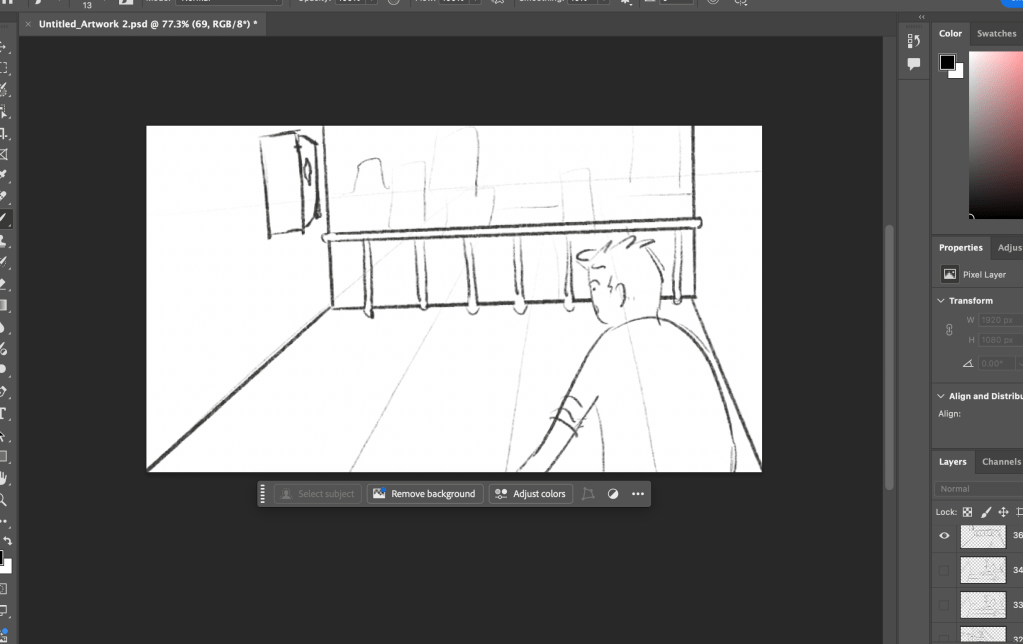
Another example. Here I wanted to connect to the next scene after the fall, so I thought to make the character tilt his head and then introduce the new environment,
 Deotto Alessandra - ADVFX 2024-2027
Leave a comment