In class we were asked to try and use Adobe After Effects.
We were supposed to use a subject from one video and put it into another one.
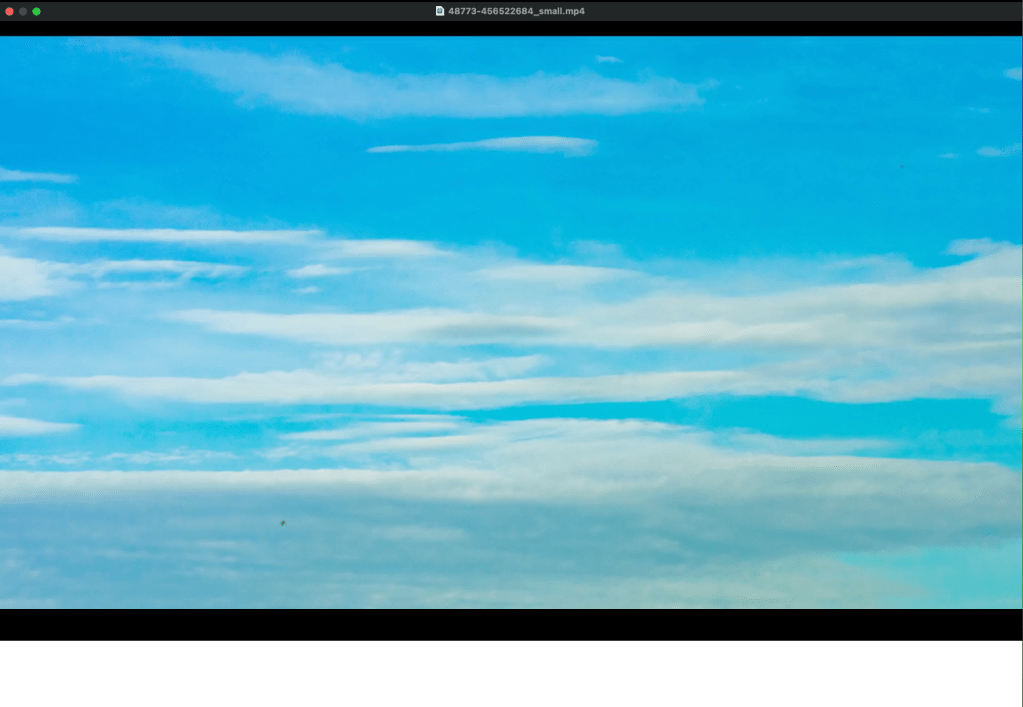
These are the two sources I chose:
Background
Subject
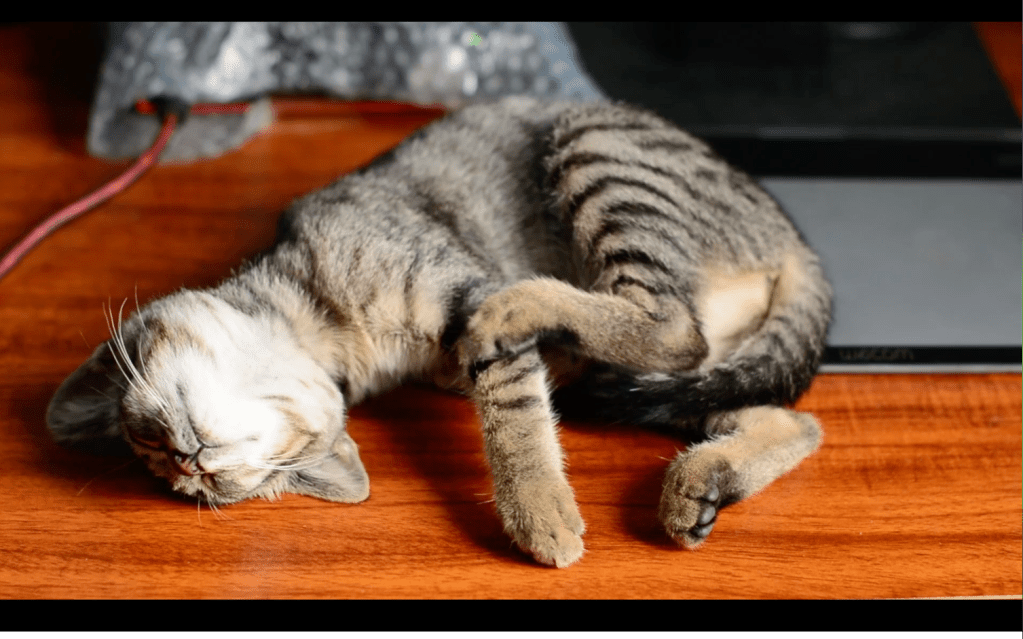
The goal is to separate the subject ( cat) and put it onto a new Background.
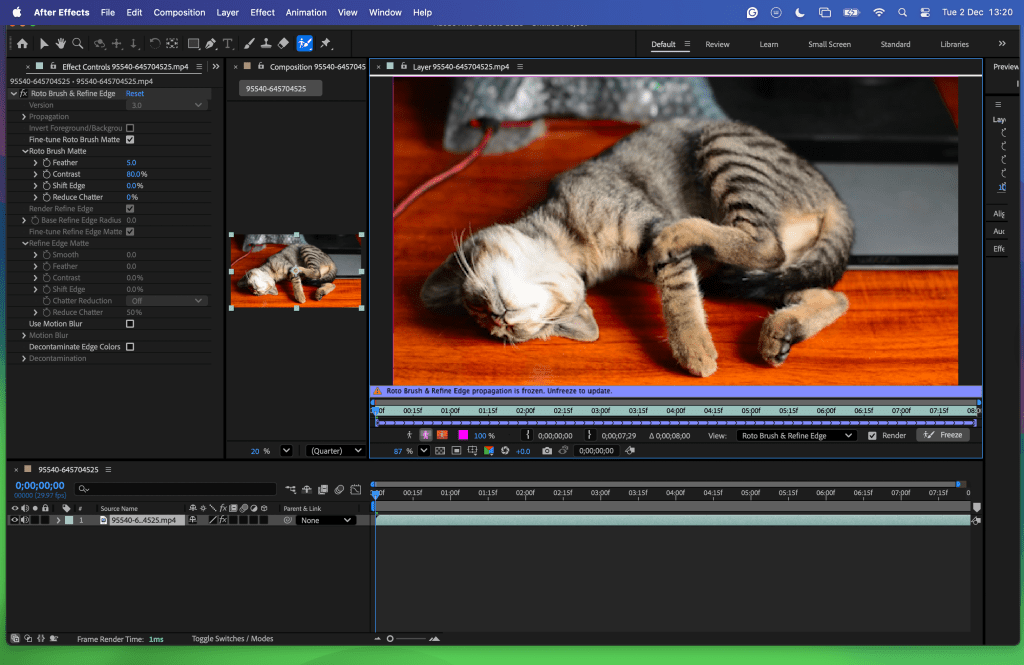
Import the file in After Effetcs, double click on the layer.
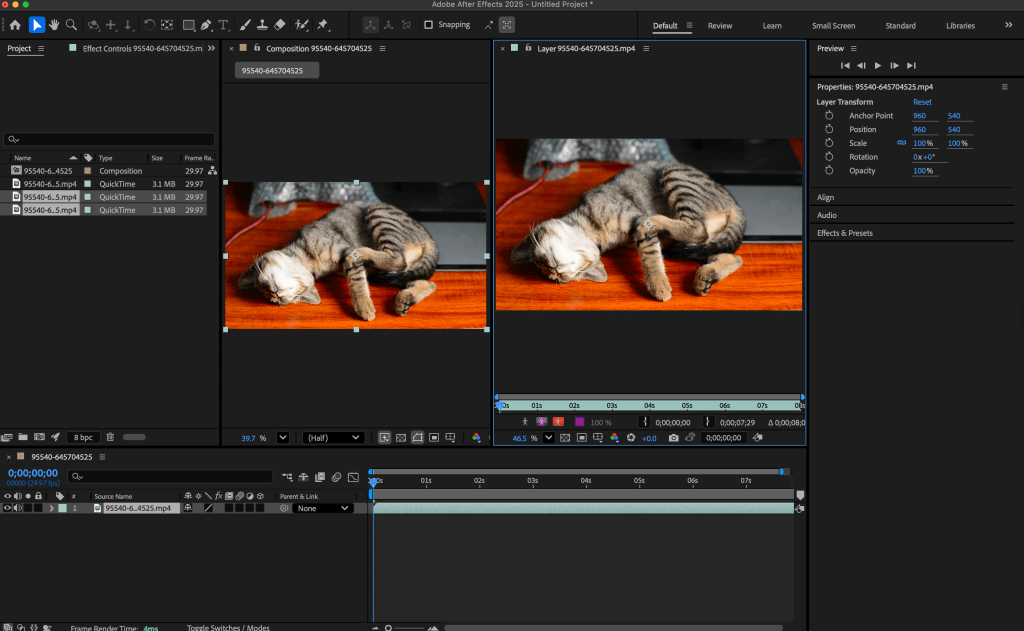
select the rotobrushing Icon.
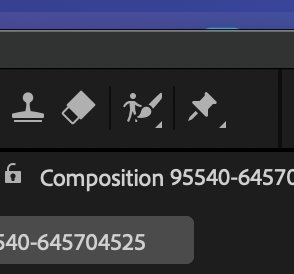
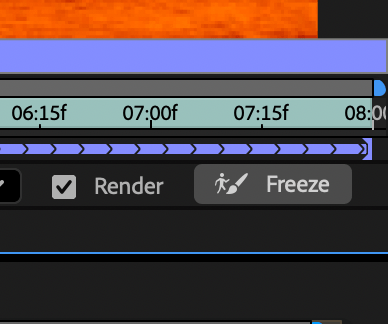
Proceed to select the subject in a clear frame press space to propagate the selection then lock it in with Freeze.
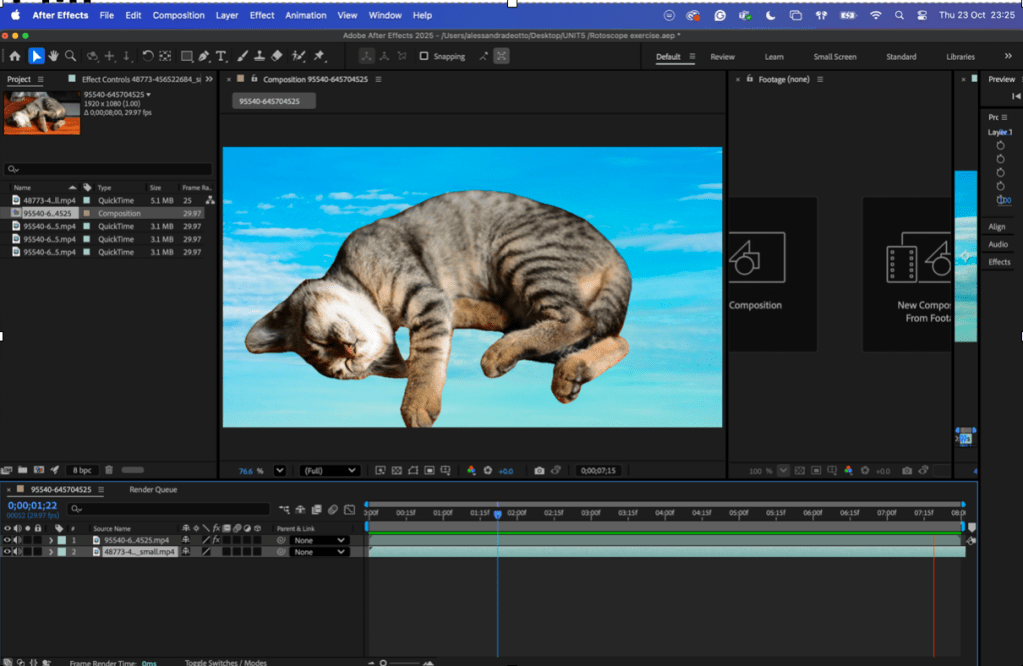
Import a new background in the layer underneath and export.
 Deotto Alessandra - ADVFX 2024-2027
Leave a comment