Let’s start by establishing keyframes at the beginning and the end of out animation, after that we righ click and establish a classic tween to make the boat move from left to right.
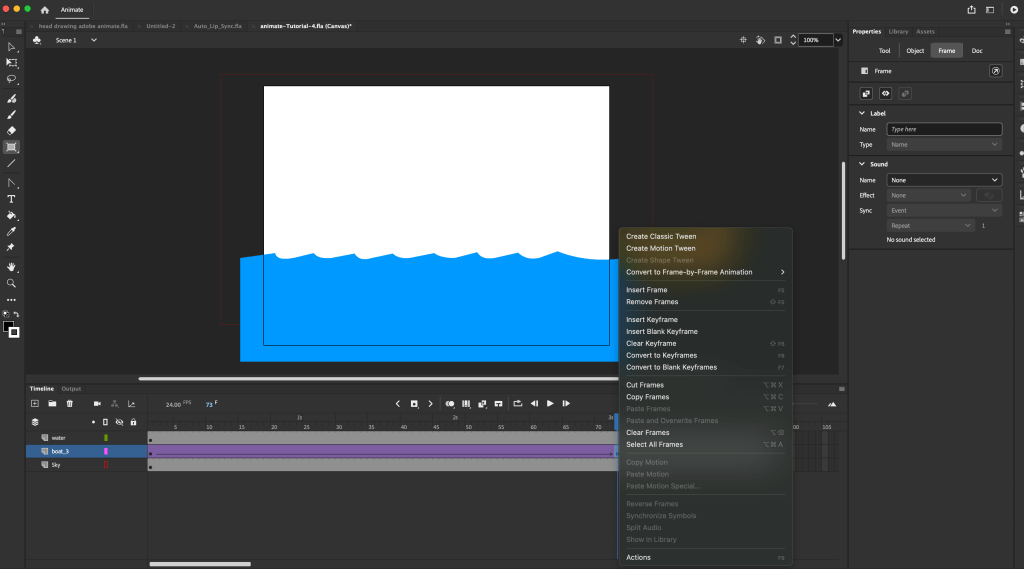
Now we need to establish a path that the boat can animate on .
First we create a new layer called guide:
Right click on the boat layer and create a classic motion guide
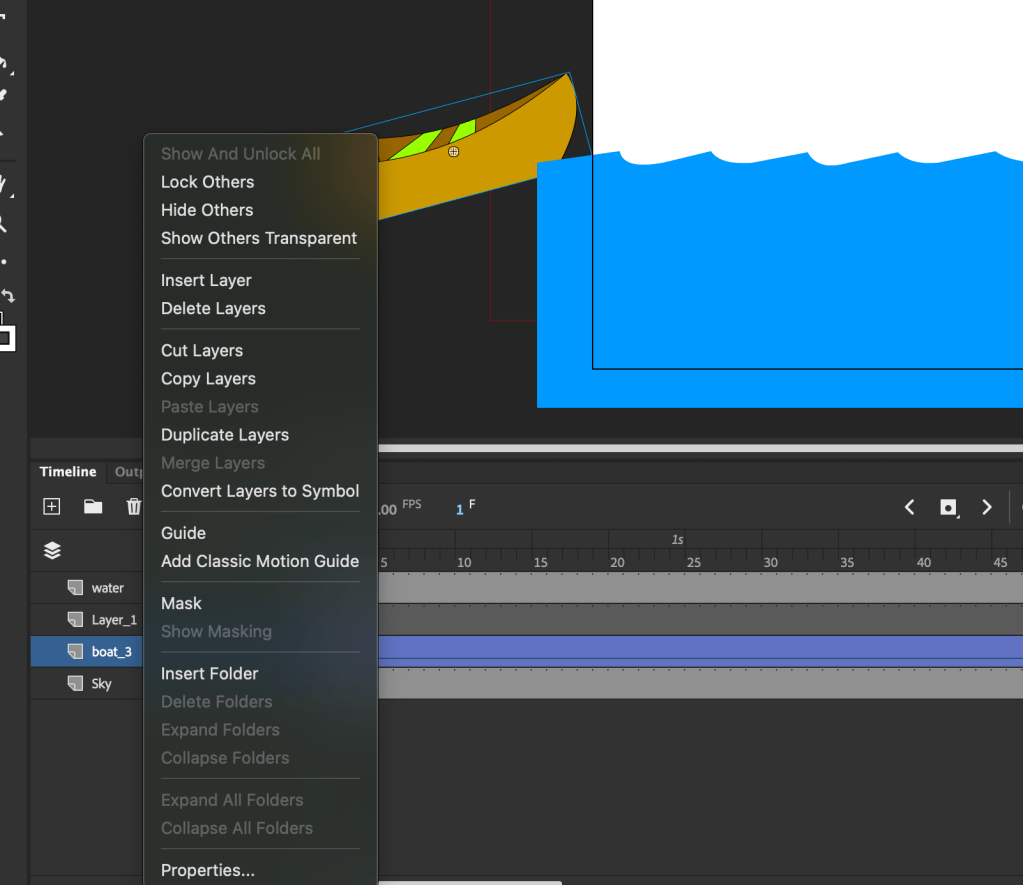
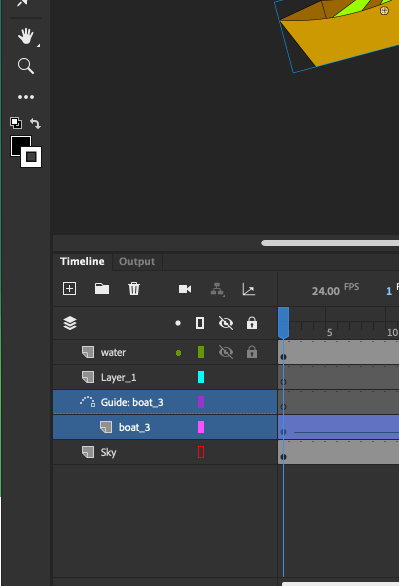
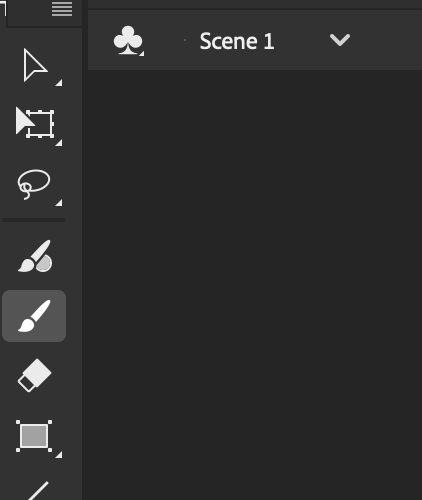
draw a guide in the first empty keyframe


lock the guide with the boat in both frames
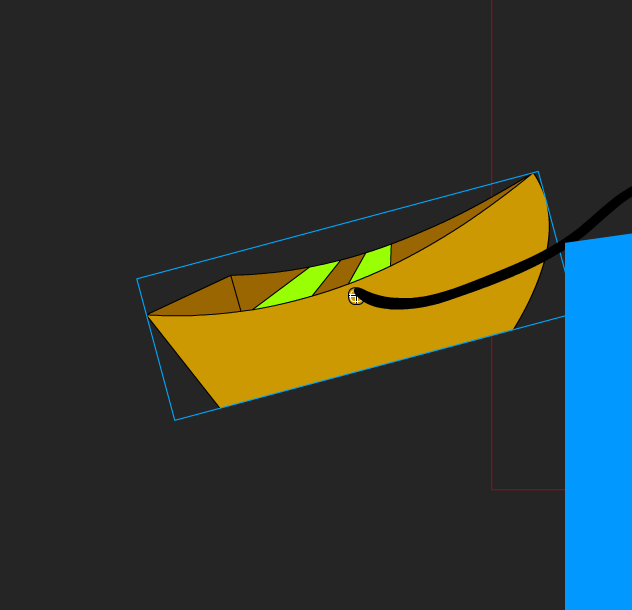
now the boat is going to follow the path assigned to it .
 Deotto Alessandra - ADVFX 2024-2027
Leave a comment